Text on device
Books and chapters open for reading without fetching the page from the network every time.
This page is about weak or missing network: you can still open Scripture from storage instead of waiting on a spinner. For the “no Google account / no sign-up” angle, see offline without account.

Same app as on this site · No alternate download required here
Travel, basement rooms, rural coverage, or saving mobile data — same need: read without depending on live network for the text. Elara chat and some help features may still need internet when you choose to use them.
Books and chapters open for reading without fetching the page from the network every time.
Progress and recent jumps stay locally — return to the same passage after a restart.
A minimal interface with no ads in the current version helps you stay with the text.
Text and chapter navigation stay central; sample below (layout may vary slightly by version).
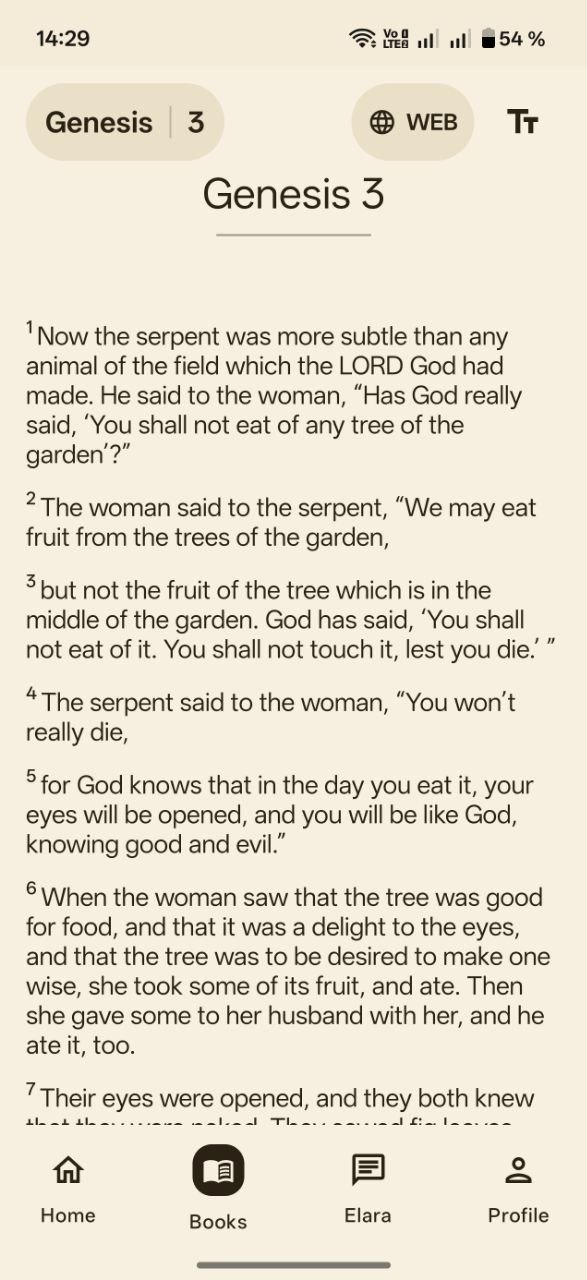
You want stable Scripture reading on Android without ad breaks and without creating an account.
You need cloud sync of notes across many devices without tying everything to one phone.
Gentle explanations for harder verses may use network features; plain reading stays local-first.
We focus on calm daily reading: book and chapter navigation, reading plans, saving plan steps and position in the text. For difficult passages there is careful help — some of that may use the network while core reading remains available offline.
More on features in Features & FAQ.
Core reading and navigation are built for local use. Some network features may be unavailable without a connection.
Yes — progress stays on the device so you can continue from the same spot.
No name, phone, or e-mail sign-up in the current version.
Same app as on this site · No alternate download required here